



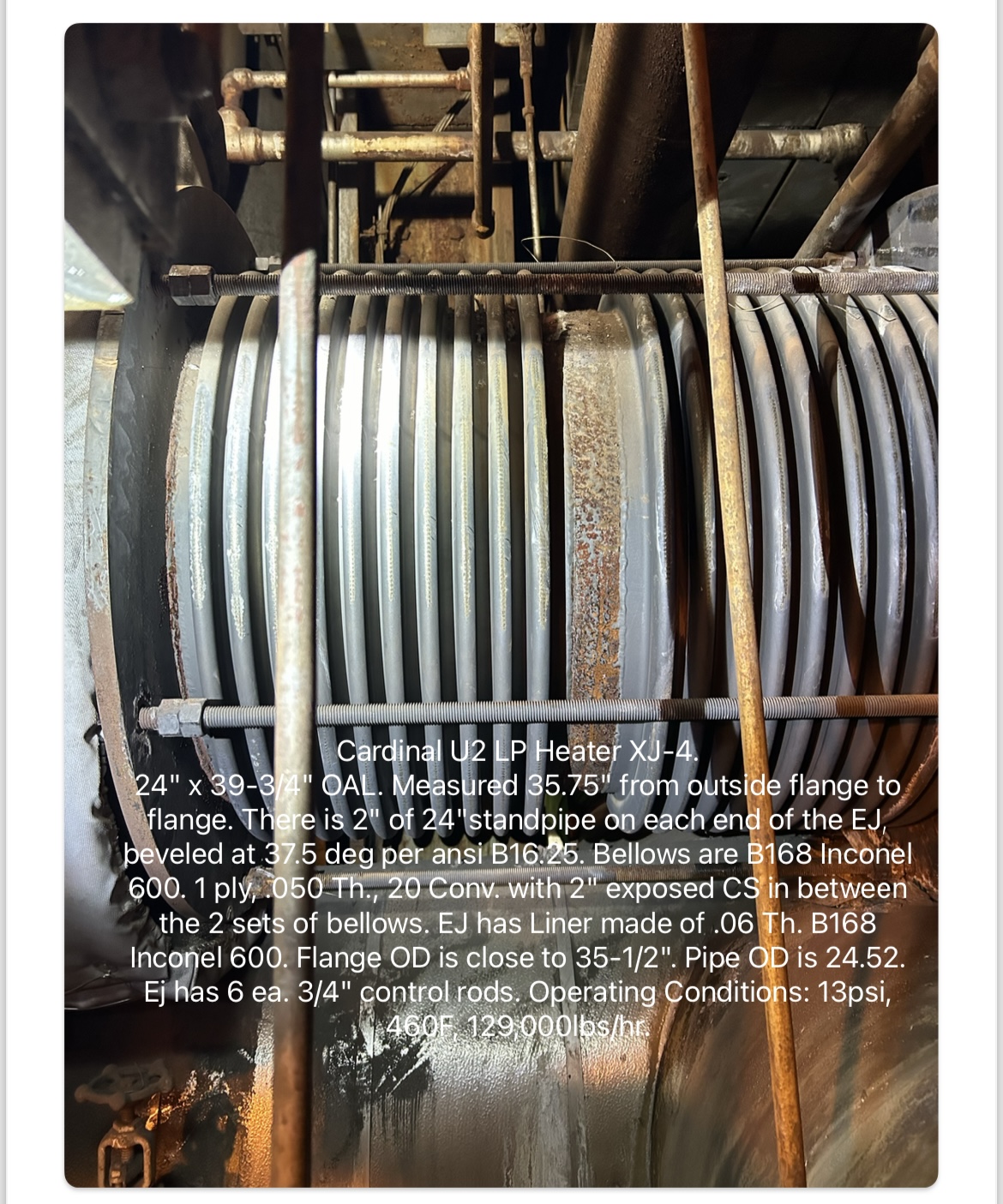


















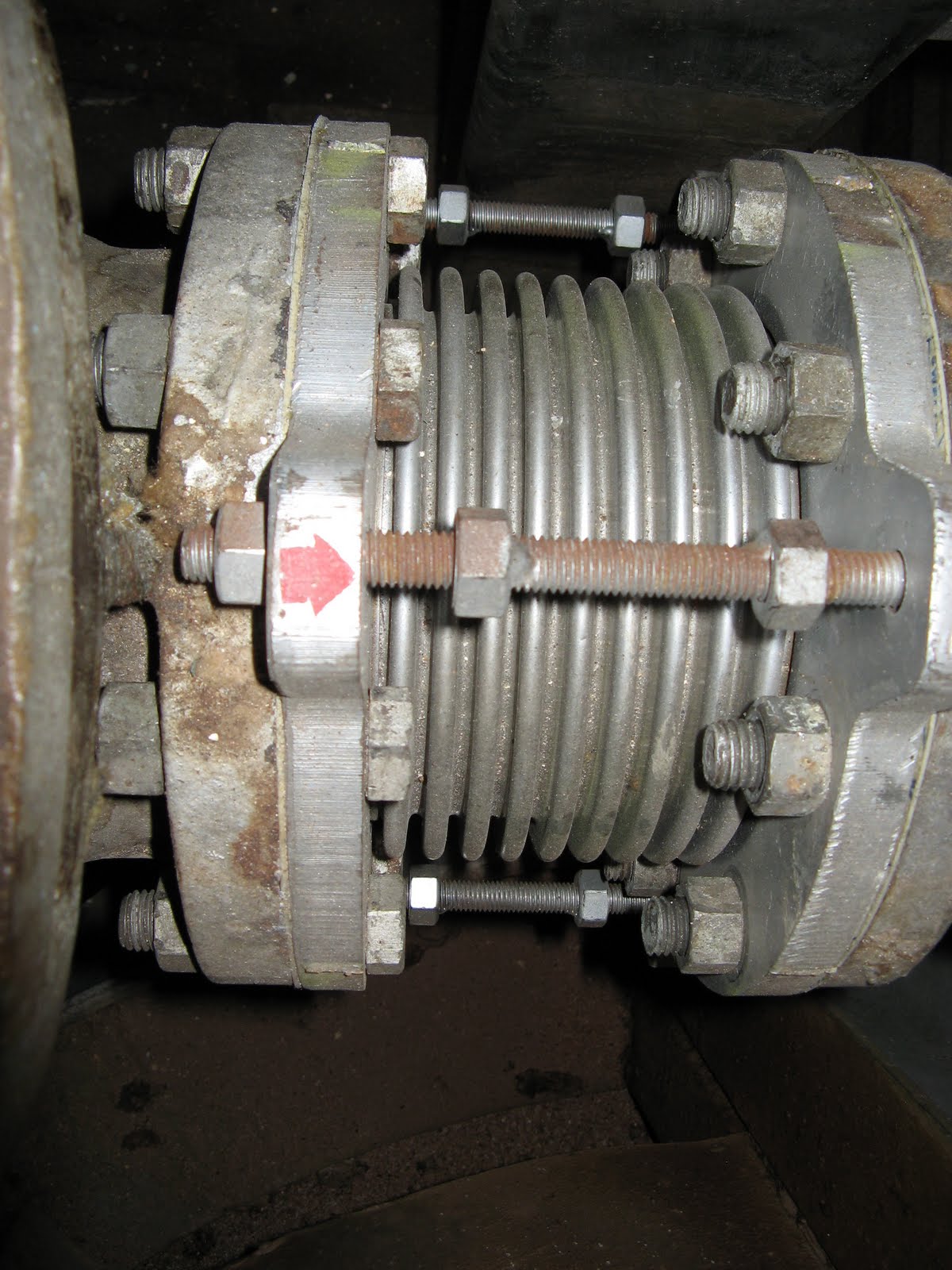
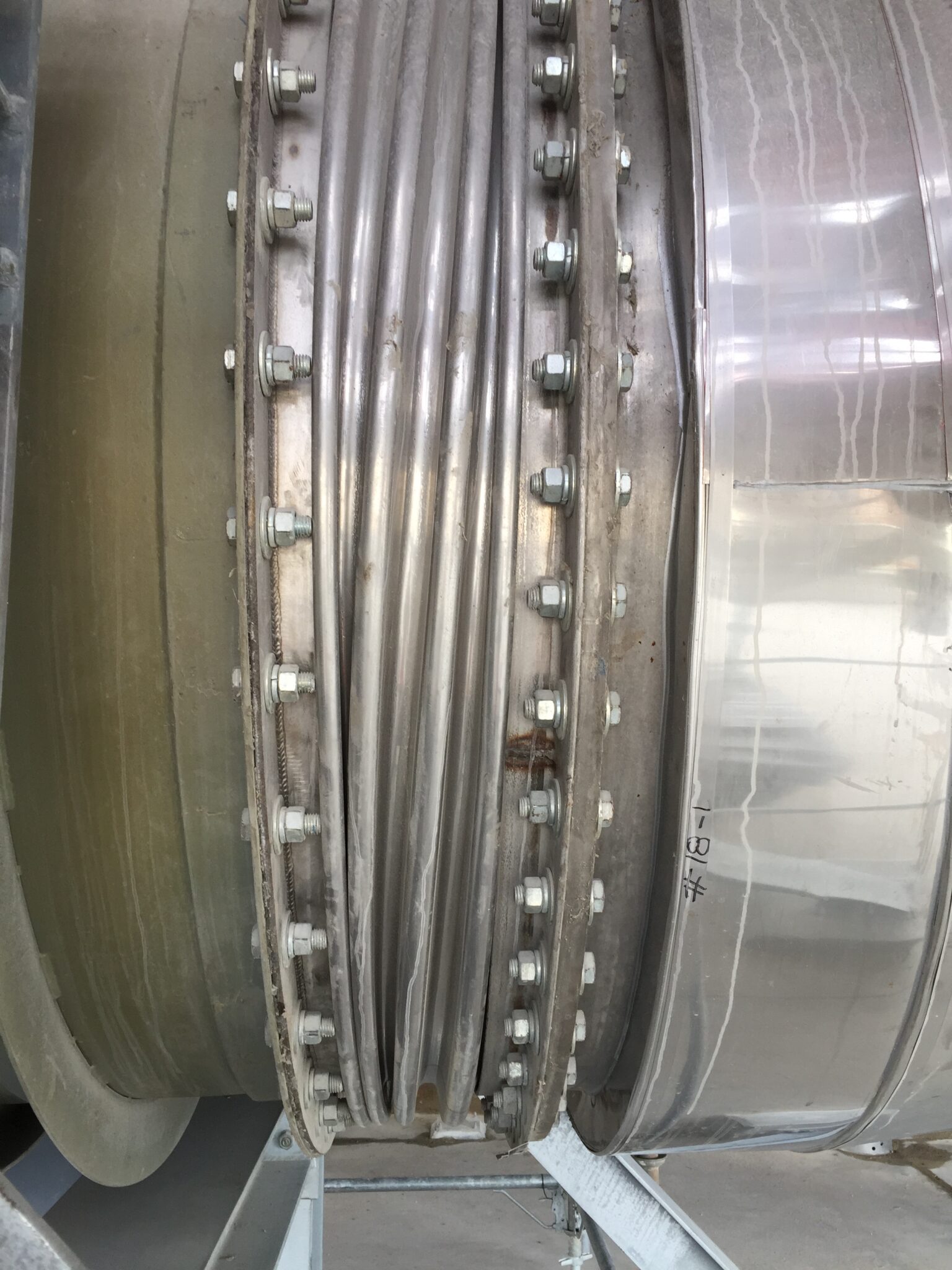
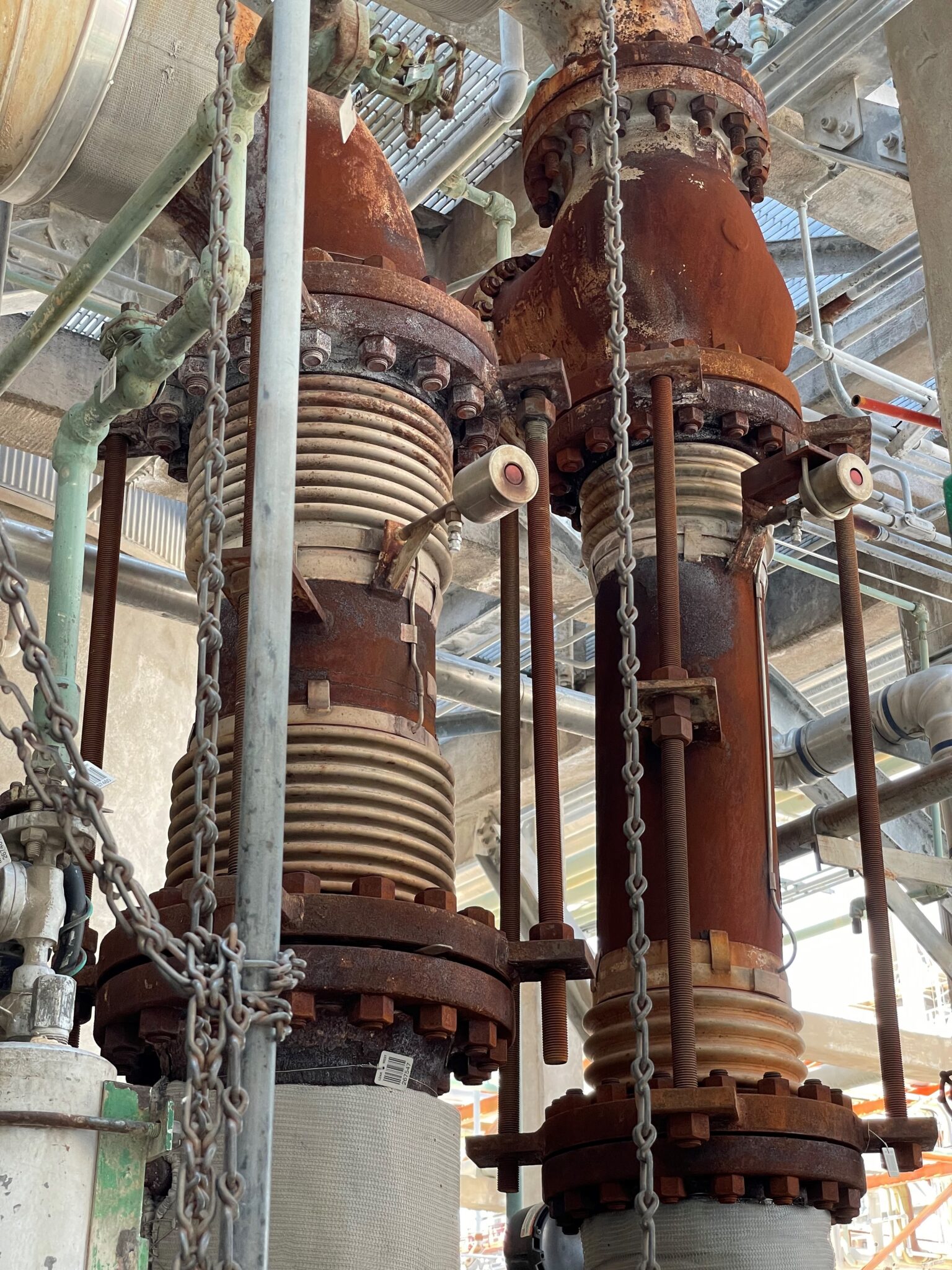
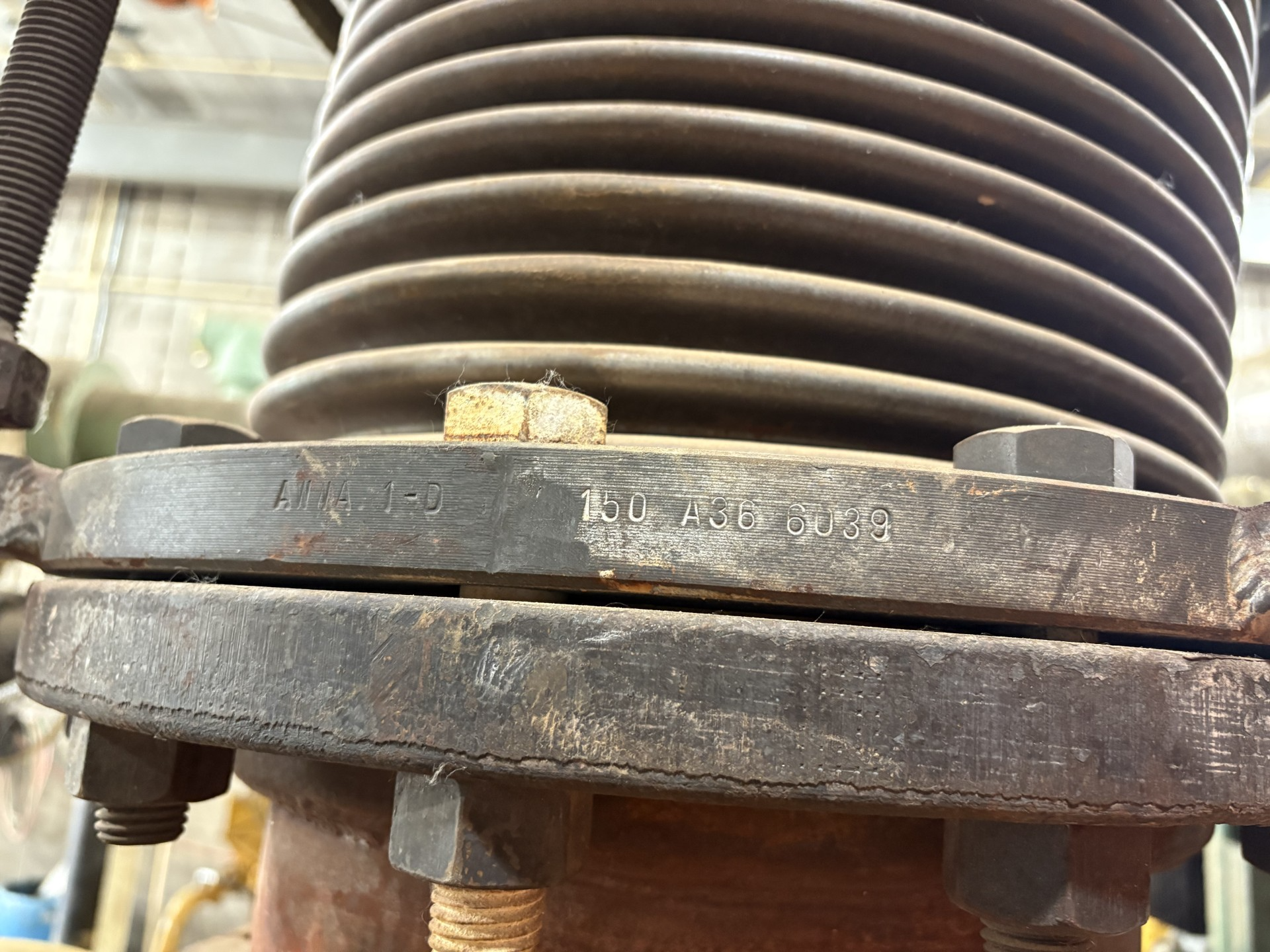
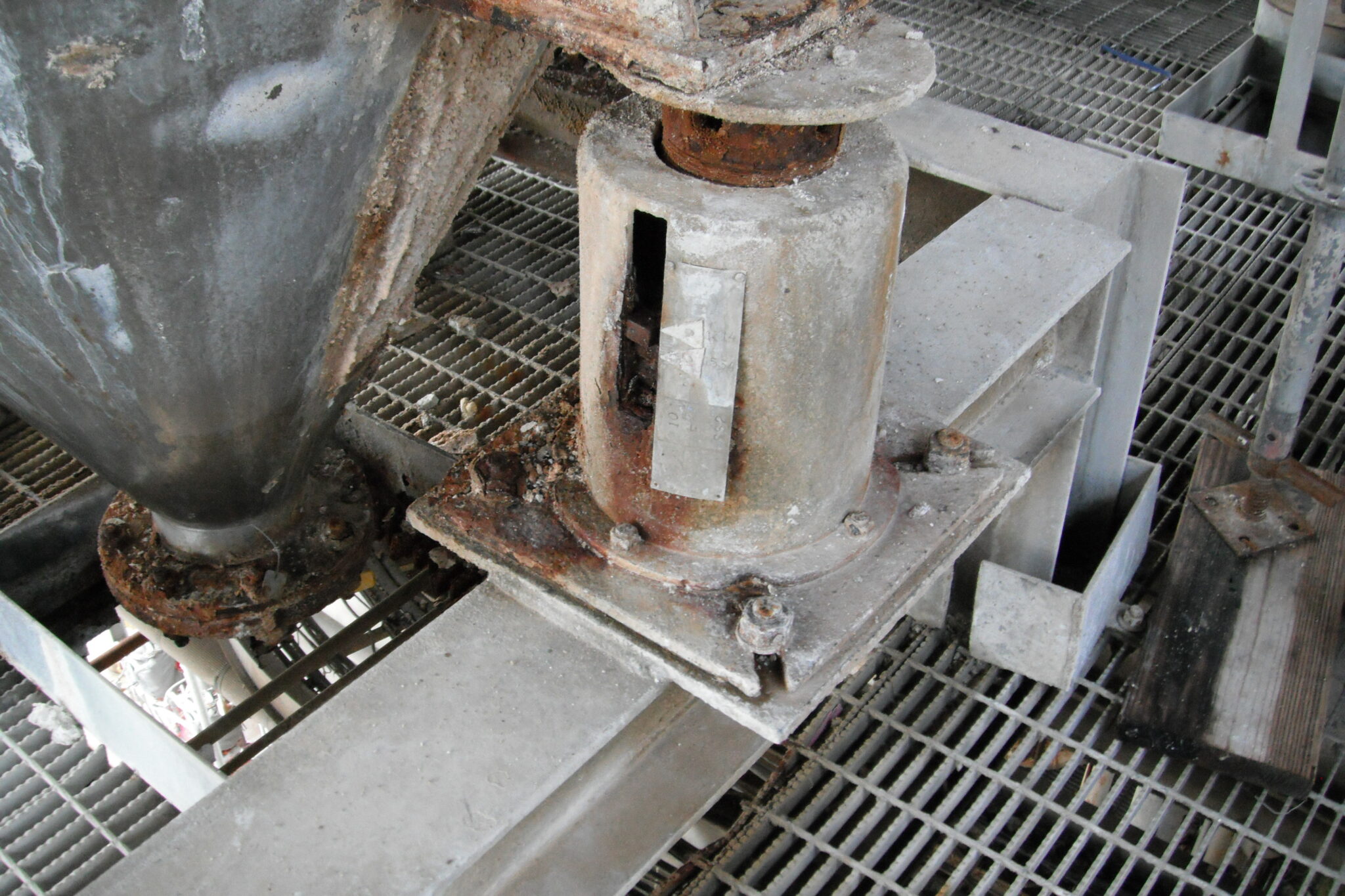
![Img 0817[1]](https://stg-httpspipingtechcom-stagingdev.kinsta.cloud/wp-content/uploads/2024/10/IMG_08171-scaled.jpg)




































































































Resources
test service nolan
test service nolan





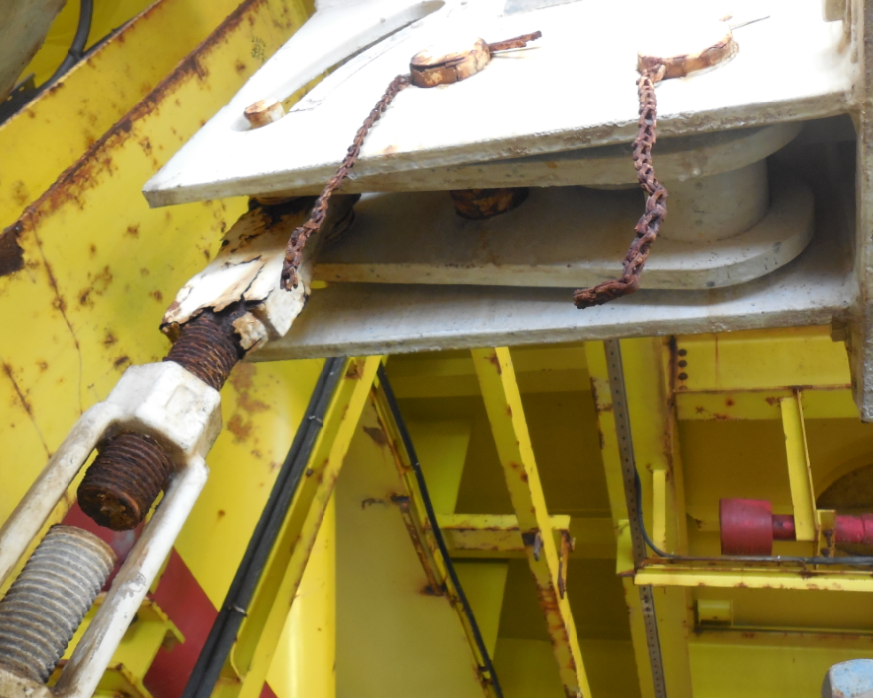
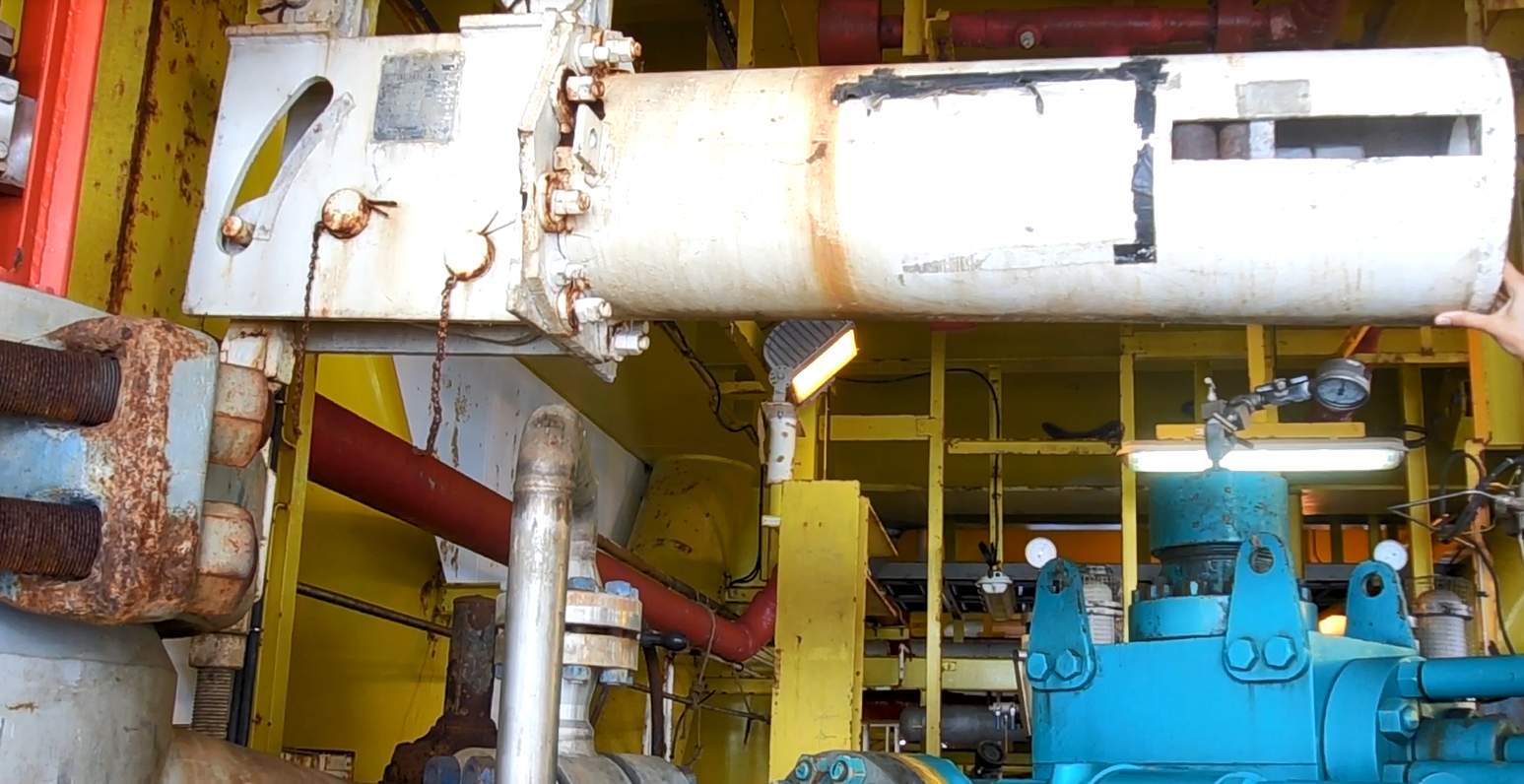


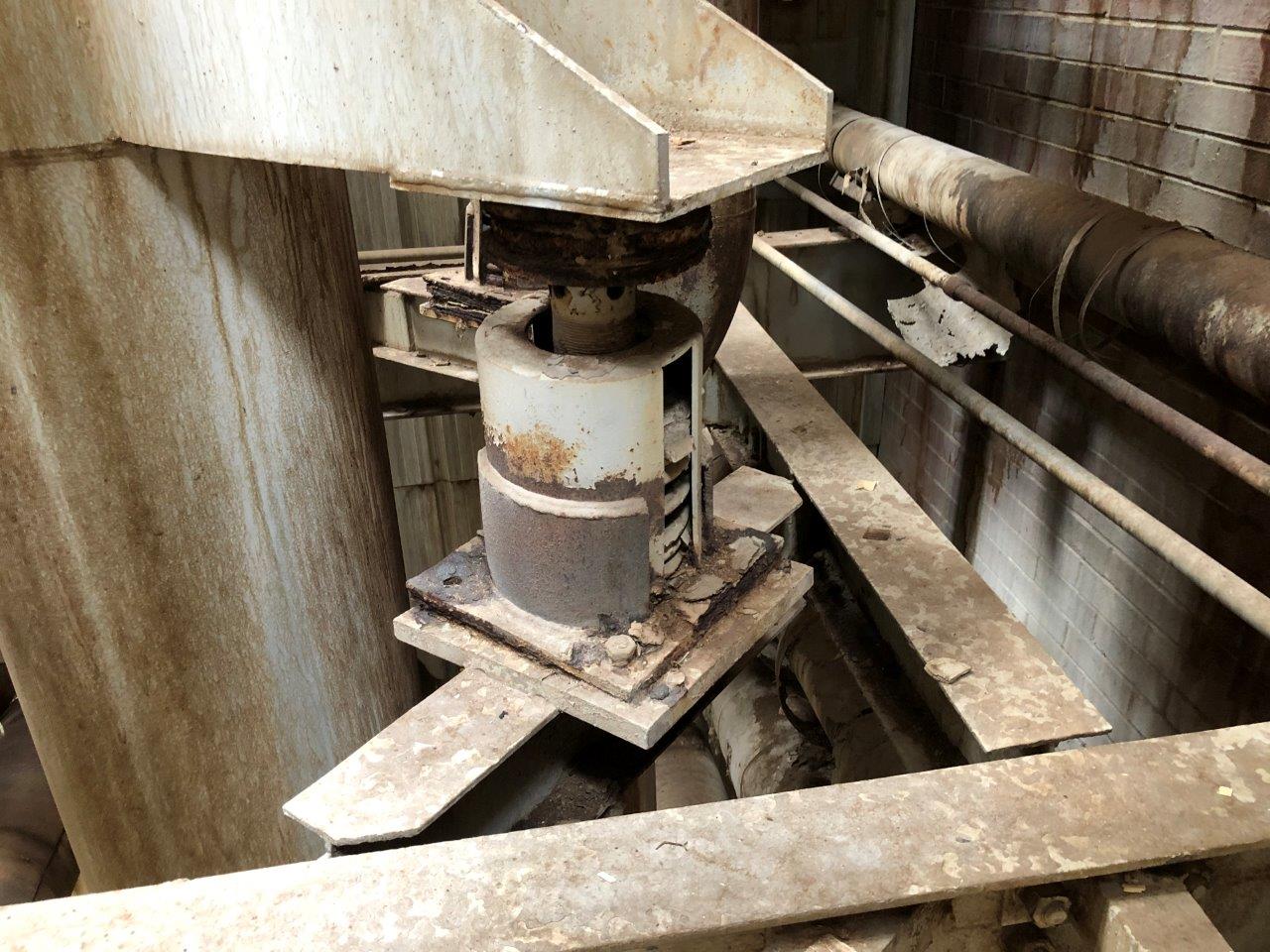


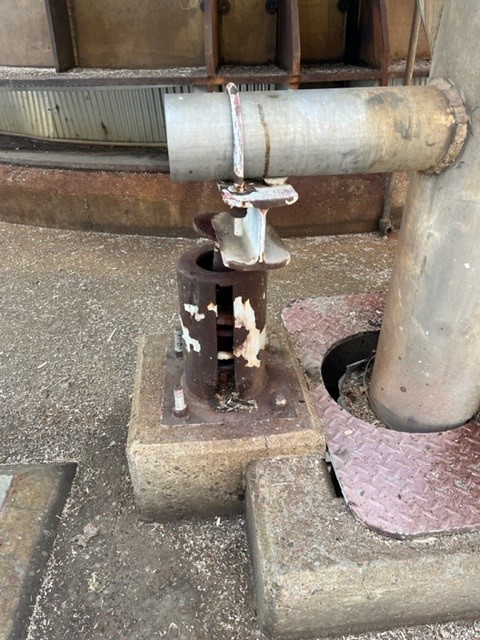

























































test service nolan
*The following steps will navigate you through the corresponding bitmap forms.
1) PDShell Form
* Select Reference Data Manager Option
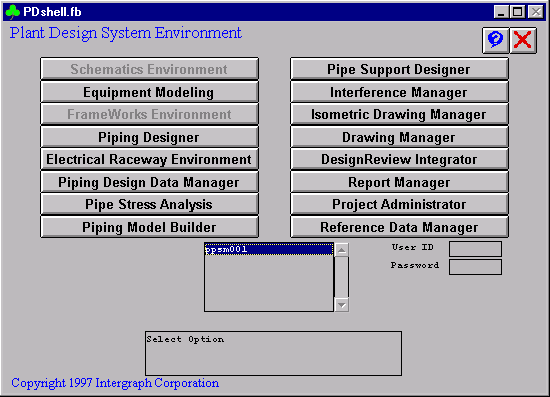
2) Reference Data Manager Form
* Select Graphic Commodity Library Manager Option

3) Graphic Commodity Library Manager Form
* Select Create/Interactive Data Option
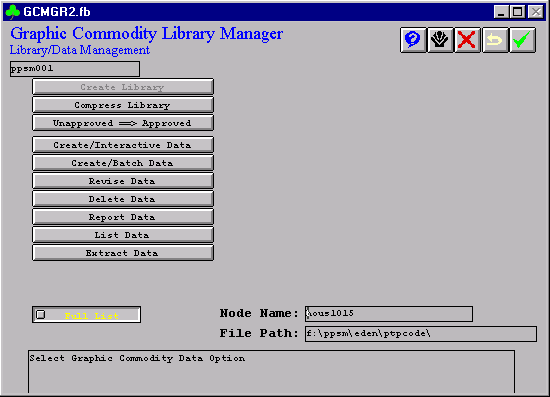
4) Create Data
* Enter single file name or toggle between single file to a list of files; node name and file path must match the file’s directory.
5) Toggle From Single to List
* Enter ptpsupports.lis
* The file ptpsupports.lis is enclosed; make sure the node name and file path contain all the files in the list.
test service nolan
*The following steps will navigate you through the corresponding bitmap forms.
1) PDShell Form
* Select Reference Data Manager Option
2) Reference Data Manager Form
* Select Support Tutorial Definition Manager
3) Support Tutorial Definition Manager Form
* Select Create Data
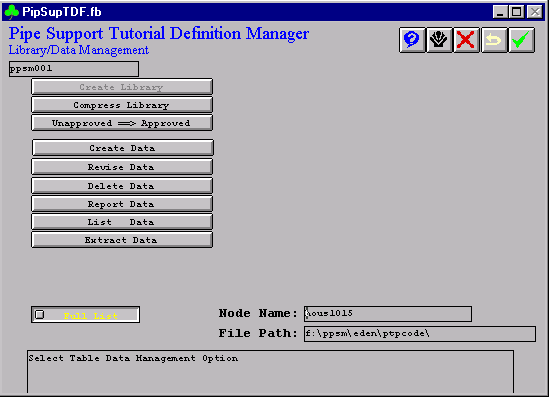
4) Create Data
* Select List Data to toggle from Single to List
5) Support Tutorial Definition Manager Form
* Enter ptptdf.lis

6) Enter ptptdf.lis
* Enter single file name or toggle between single file to a list of files; node name and file path must match the file’s directory.
* Support Tutorial Definition Manager
* The file ptptdf.lis is enclosed; make sure the node name and file path contain all the files in the list.
test service nolan
Have a look at PT&P’s new product pages on stg-httpspipingtechcom-stagingdev.kinsta.cloud. All product pages now features:
– All information in one place
– New photos and videos
– Downloadable tables and charts
– Simple Request A Quote forms